Skip to content
TinyTask Blog logo
  • Home
  • Applications
  • Automation
  • Email Automation
  • Setup
  • Troubleshoot
  • Tutorials
Contact
TinyTask Blog logo
Get the Book
  • Automate Invoice data entry
    Applications

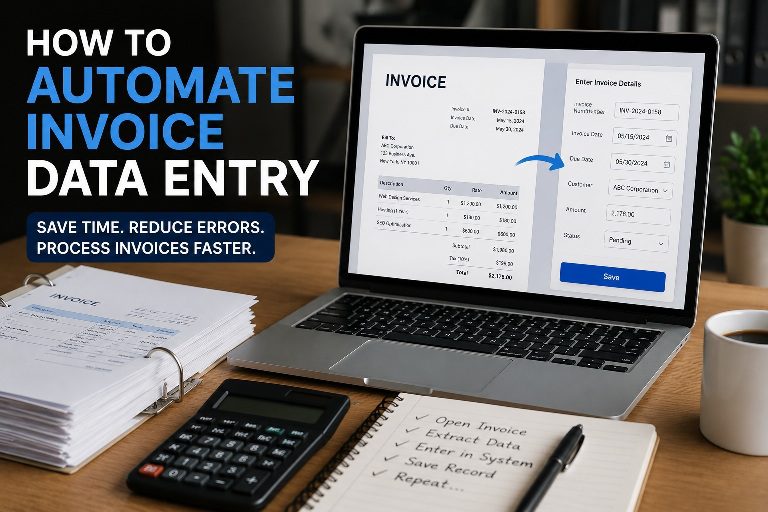
    How to Automate Invoice Data Entry (Without Expensive Software)

    ByTinyTask June 12, 2026July 23, 2026

    Invoice data entry is one of those tasks that seems simple until you calculate how much time it…
    Read More How to Automate Invoice Data Entry (Without Expensive Software)Continue

  • No-Code Automation
    Automation Guides and Tutorials | TinyTask.org

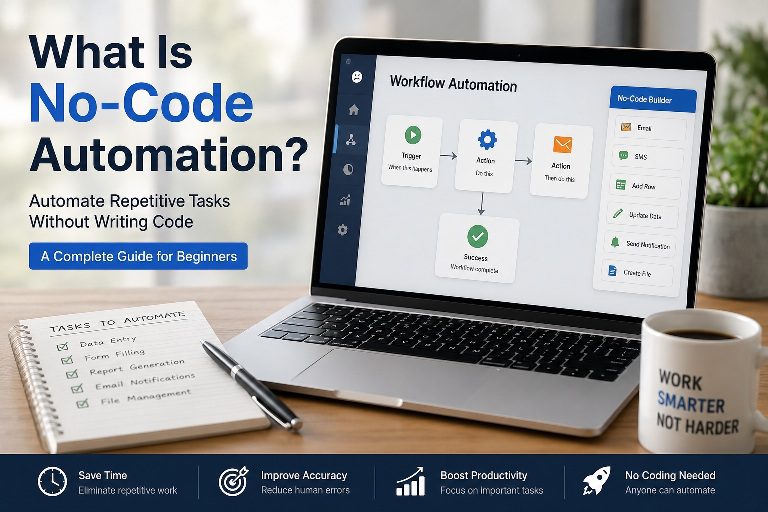
    What Is No-Code Automation? (And How to Get Started with TinyTask)

    ByTinyTask June 12, 2026July 23, 2026

    There’s a version of automation that most people never encounter — not because it’s rare, but because it’s…
    Read More What Is No-Code Automation? (And How to Get Started with TinyTask)Continue

  • Workflow Automation
    Applications

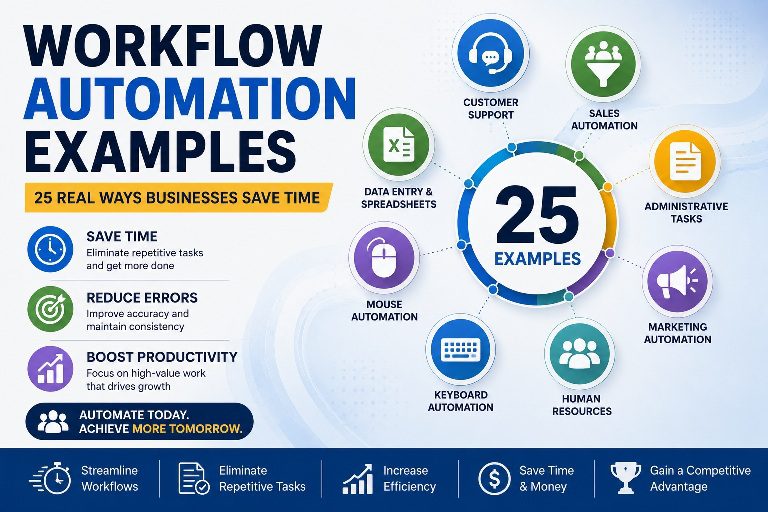
    Workflow Automation Examples: 25 Real Ways Businesses Save Time

    ByTinyTask June 12, 2026July 23, 2026

    Most businesses don’t have a time problem. They have a repetition problem. Employees answer the same questions. Teams…
    Read More Workflow Automation Examples: 25 Real Ways Businesses Save TimeContinue

  • benefits-of-workflow-automation
    Applications

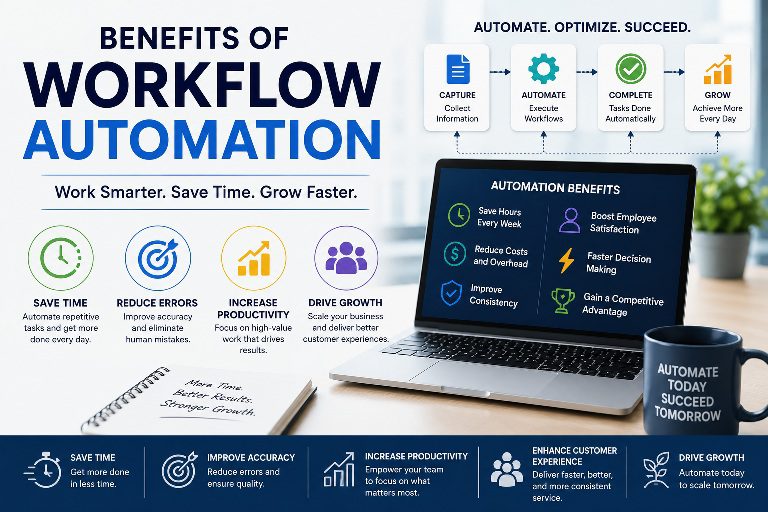
    Benefits of Workflow Automation: Why Smart Businesses Automate Repetitive Work

    ByTinyTask June 12, 2026July 23, 2026

    Most businesses don’t suffer from a lack of effort. They suffer from a lack of efficiency. Employees stay…
    Read More Benefits of Workflow Automation: Why Smart Businesses Automate Repetitive WorkContinue

  • Automate-repitive-task
    Tutorials

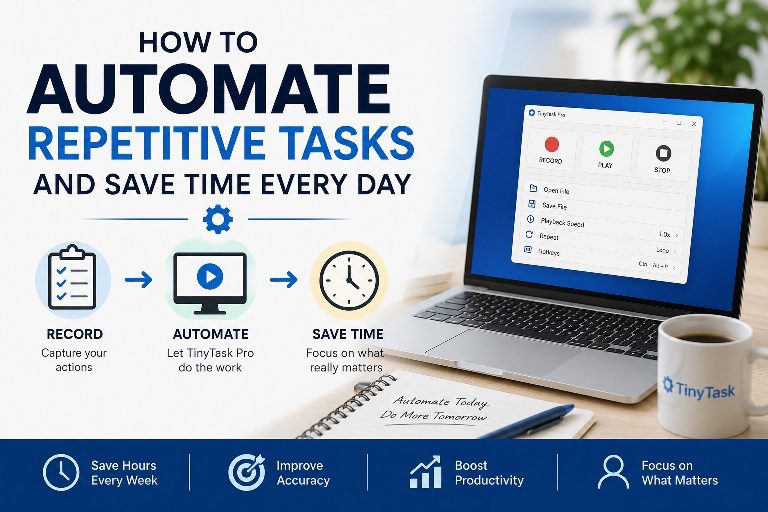
    How to Automate Repetitive Tasks and Reclaim Hours Every Week

    ByTinyTask June 12, 2026July 23, 2026

    Some tasks feel productive simply because they’re keeping us busy. Answering emails. Copying information between systems. Updating spreadsheets….
    Read More How to Automate Repetitive Tasks and Reclaim Hours Every WeekContinue

  • Create-your-macro
    Tutorials

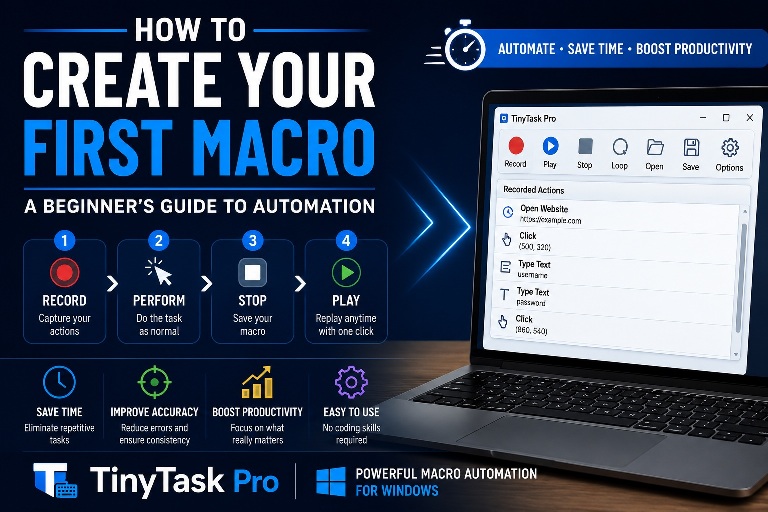
    How to Create Your First Macro: A Beginner’s Guide to Automation

    ByTinyTask June 11, 2026July 23, 2026

    Most people discover macros by accident. It usually happens after repeating the same task for the tenth, twentieth,…
    Read More How to Create Your First Macro: A Beginner’s Guide to AutomationContinue

  • Mouse-Automation-Tools
    Comparisons

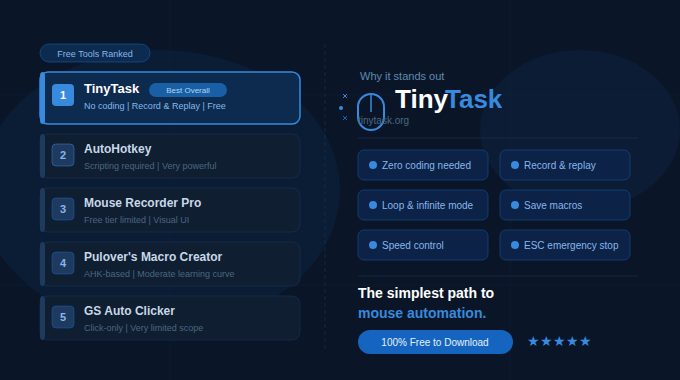
    Best Free Mouse Automation Tools — And Why TinyTask Stands Out

    ByTinyTask June 11, 2026July 23, 2026

    The Best Free Mouse Automation Tools (2026 Guide) Free tools, tested against real workflows The best free mouse…

    Read More Best Free Mouse Automation Tools — And Why TinyTask Stands OutContinue

  • Automate-repitive-task
    Tutorials

    Stop Clicking the Same Thing Twice — Automate It with TinyTask

    ByTinyTask June 11, 2026July 23, 2026

    Mouse Click Automation: How It Works and Why It Matters A practical guide to record-and-replay automation Mouse click…
    Read More Stop Clicking the Same Thing Twice — Automate It with TinyTaskContinue

  • Keyboard Automation
    Tutorials

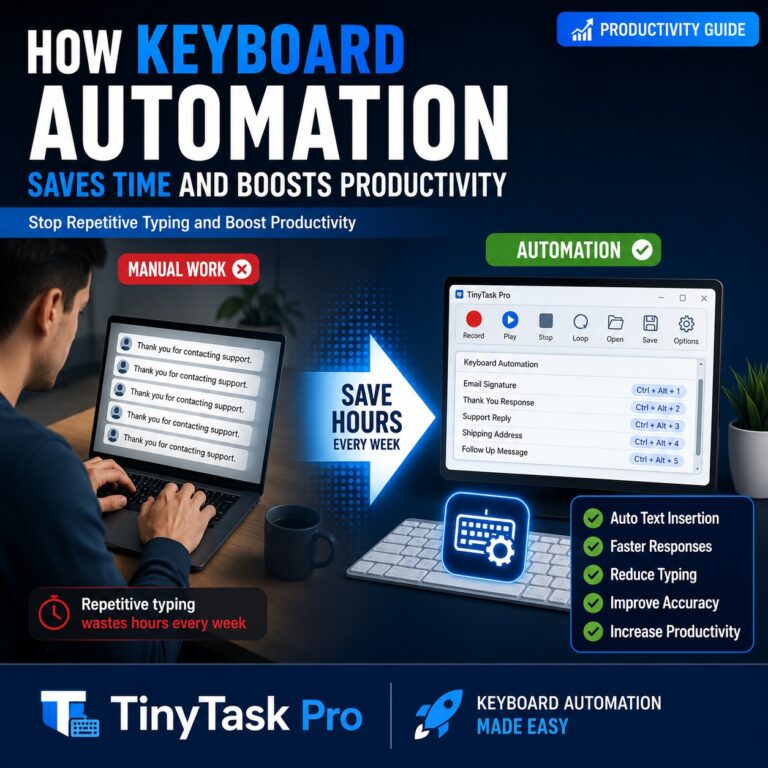
    How Keyboard Automation Saves Time and Boosts Productivity

    ByTinyTask June 11, 2026July 23, 2026

    You probably type the same things more often than you realize. A customer support response. An email signature….
    Read More How Keyboard Automation Saves Time and Boosts ProductivityContinue

  • TinyTas-vs-Hotkey
    Comparisons

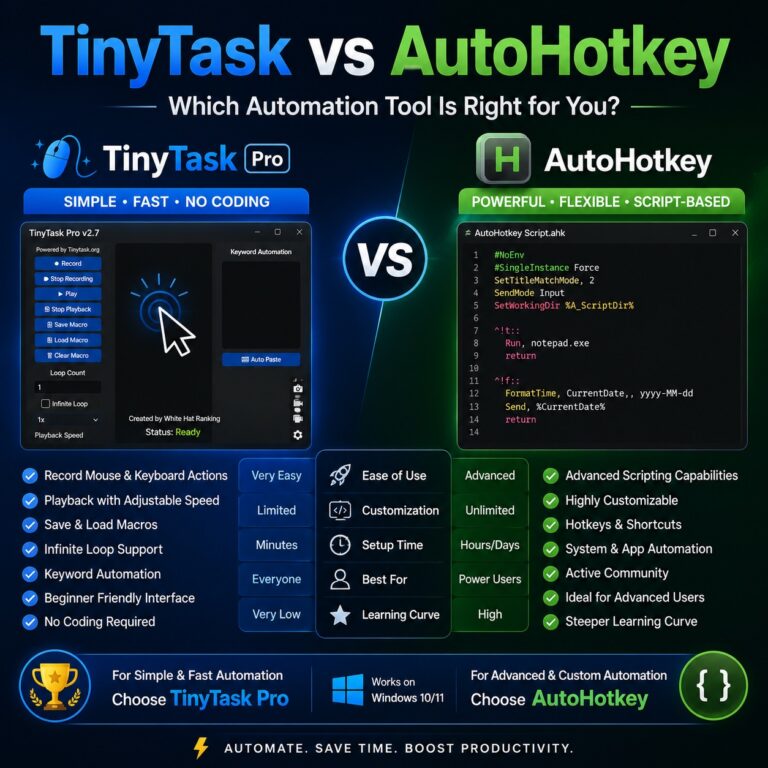
    TinyTask vs AutoHotkey: Which Automation Tool Is Right for You?

    ByTinyTask June 11, 2026July 23, 2026

    ✦ 2026 Comparison Guide ✦ TinyTask vs AutoHotkey:Which Automation Tool Is Really Better? An honest, in-depth breakdown of…
    Read More TinyTask vs AutoHotkey: Which Automation Tool Is Right for You?Continue

  • Software-Automation
    Comparisons

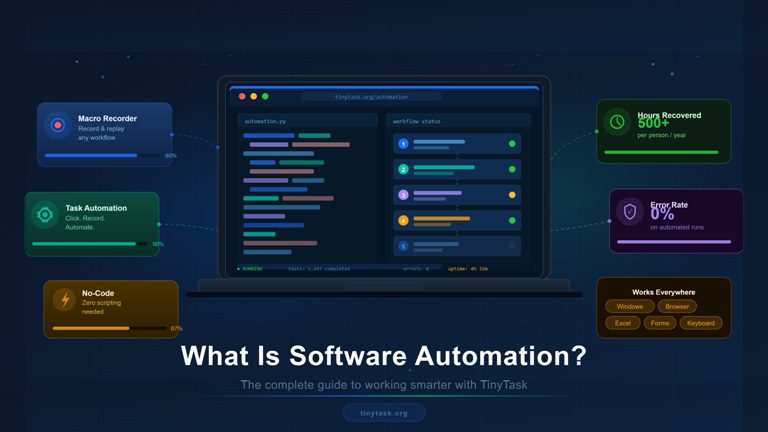
    Best Automation Software for Windows: Save Time on Repetitive Tasks

    ByTinyTask June 11, 2026July 23, 2026

    Most repetitive computer tasks aren’t difficult. They’re just repetitive. Clicking the same buttons every morning. Entering the same…
    Read More Best Automation Software for Windows: Save Time on Repetitive TasksContinue

  • How to Record Mouse Clicks Automatically
    Tutorials

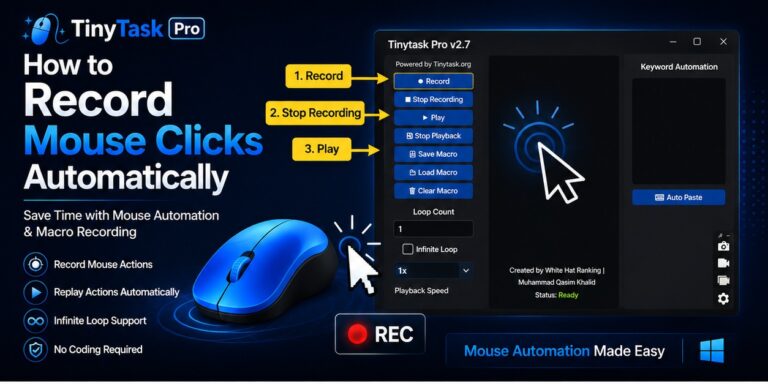
    How to Record Mouse Clicks Automatically

    ByTinyTask June 10, 2026July 23, 2026

    Some computer tasks feel simple the first few times you do them. Open a website. Click a button….

    Read More How to Record Mouse Clicks AutomaticallyContinue

Page navigation

Previous PagePrevious 1 2 3
  • Latest Posts
  • Automate Repetitive Data Entry
    How to Automate Repetitive Data Entry: The No-Fluff Guide for 2026

    Read More How to Automate Repetitive Data Entry: The No-Fluff Guide for 2026Continue

  • HR Automation
    What Is HR Automation? The Complete Guide to Smarter Human Resource Management

    Read More What Is HR Automation? The Complete Guide to Smarter Human Resource ManagementContinue

  • Document Automation software
    Document Automation Software: The Complete Guide to Killing Busywork in Your Business (2026)

    Read More Document Automation Software: The Complete Guide to Killing Busywork in Your Business (2026)Continue

TinyTask Logo

TinyTask is a lightweight Windows automation software built for mouse, keyboard and workflow automation. Record repetitive actions, replay them instantly and save valuable time with simple automation tools.

Windows 10 & 11 Lightweight No Coding Required Mouse & Keyboard Automation

Products

  • TinyTask Pro
  • Chrome Extension
  • TinyTask Mailer
  • Downloads
  • Version History

Support

  • Support Center
  • Installation Guide
  • Troubleshooting
  • TinyTask Not Working
  • TinyTask FAQ

Resources

  • How to Use TinyTask
  • Chrome Extension Guide
  • Playback Issues
  • Recording Issues
  • Blogs

Company

  • About Developer
  • Contact
  • Privacy Policy
  • Terms & Conditions
  • Extension Privacy Policy

© 2026 TinyTask.org. Developed by White Hat Ranking. All Rights Reserved.

  • Home
  • Applications
  • Automation
  • Email Automation
  • Setup
  • Troubleshoot
  • Tutorials