
How to Record an Email Automation Workflow in TinyTask Pro
Step-by-Step Tutorial How to Record an Email AutomationWorkflow in TinyTask Pro Eliminate repetitive copy-paste email tasks forever. Record…
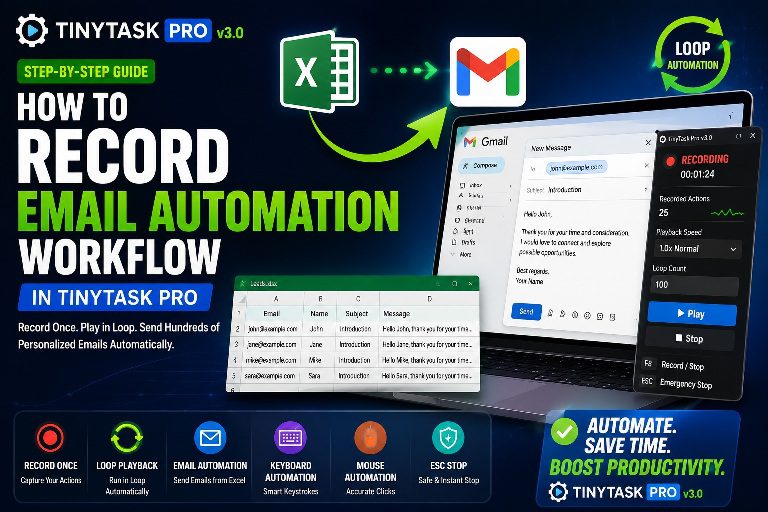
Step-by-Step Tutorial How to Record an Email AutomationWorkflow in TinyTask Pro Eliminate repetitive copy-paste email tasks forever. Record…
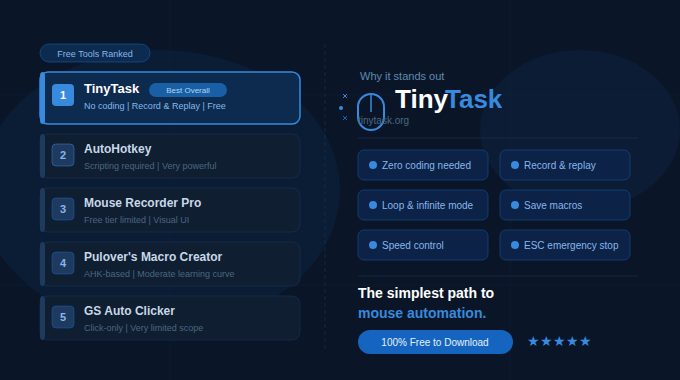
The Best Free Mouse Automation Tools (2026 Guide) Free tools, tested against real workflows The best free mouse…
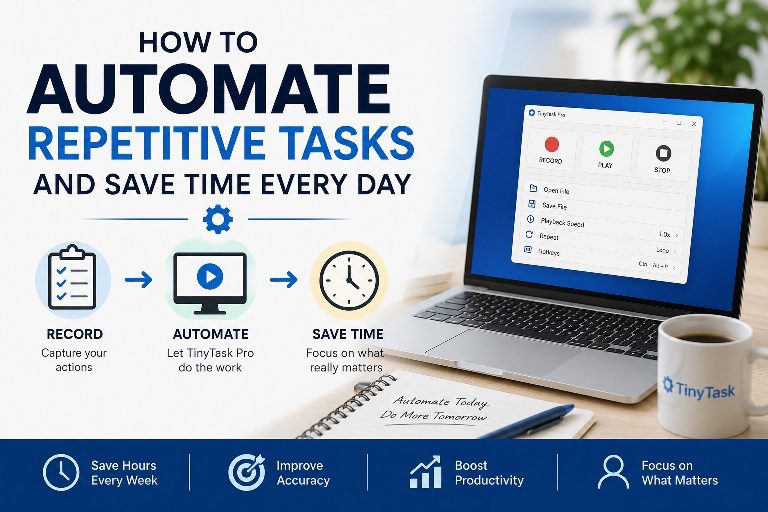
Mouse Click Automation: How It Works and Why It Matters A practical guide to record-and-replay automation Mouse click…
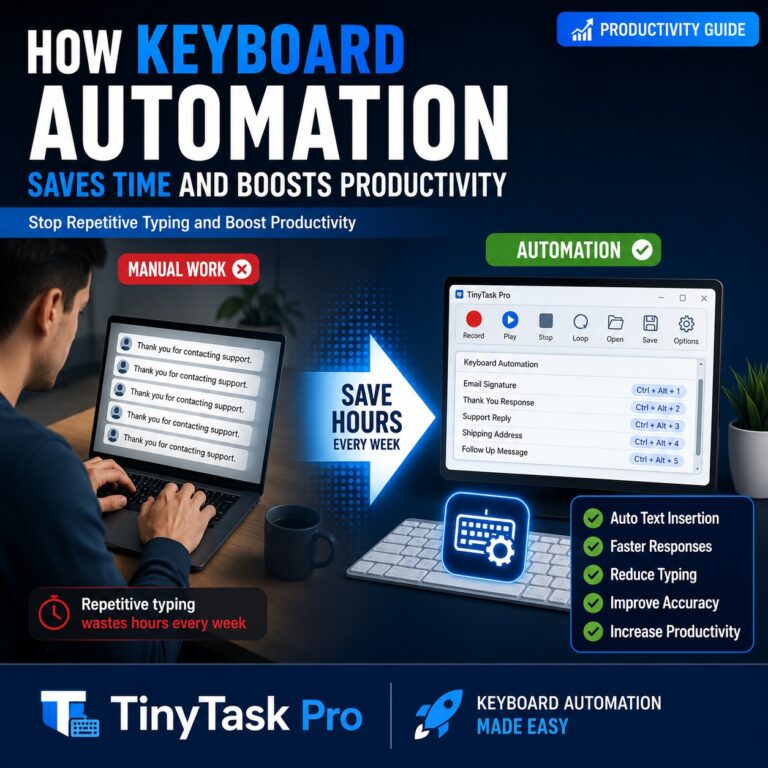
You probably type the same things more often than you realize. A customer support response. An email signature….
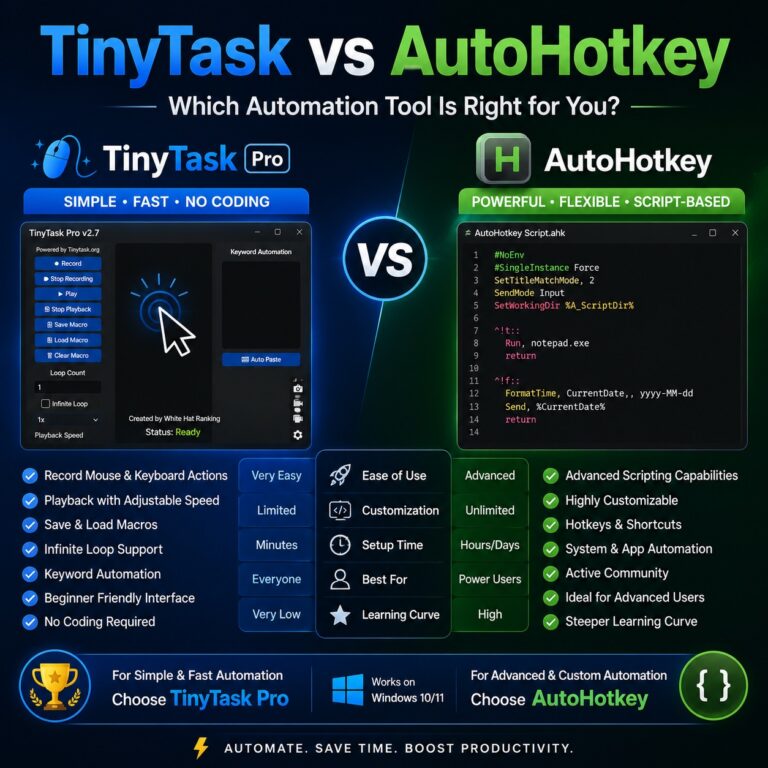
✦ 2026 Comparison Guide ✦ TinyTask vs AutoHotkey:Which Automation Tool Is Really Better? An honest, in-depth breakdown of…
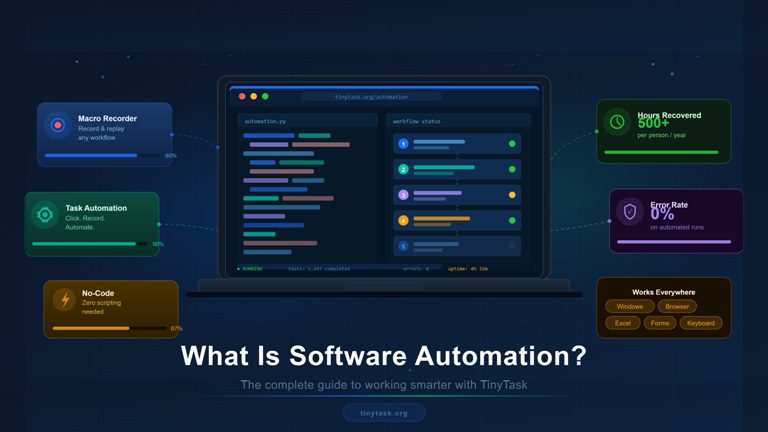
Most repetitive computer tasks aren’t difficult. They’re just repetitive. Clicking the same buttons every morning. Entering the same…
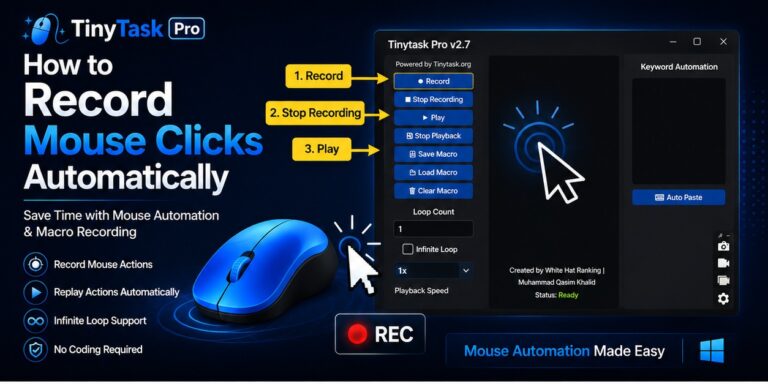
Some computer tasks feel simple the first few times you do them. Open a website. Click a button….

TinyTask Pro vs Pulover’s Macro Creator Automation Comparisons TinyTask Pro vs Pulover’s Macro Creator A direct recorder against…

TinyTask Pro vs Microsoft Power Automate Desktop Automation Comparisons TinyTask Pro vs Microsoft Power Automate Desktop Two tools,…

Auto Clicker vs Macro Recorder: When to Use TinyTask Pro Automation Guides and Tutorials Auto clicker vs macro…
TinyTask Pro Macro Won’t Load: How to Fix It TinyTask Pro Macro Won’t Load: How to Fix It…
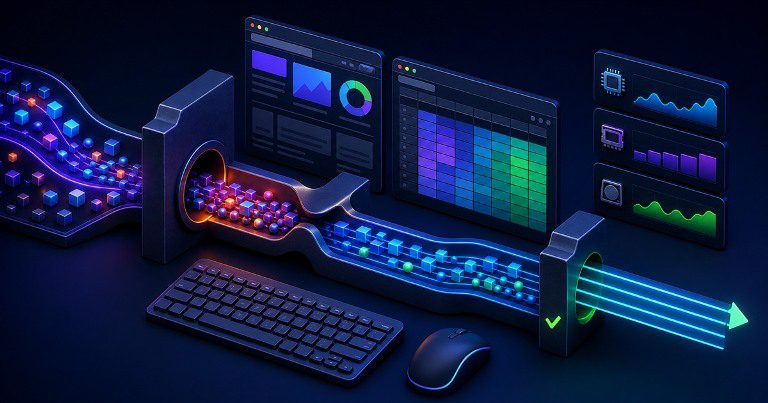
Why is playback slow or delayed? Troubleshooting guide Why is playback slow or delayed? A step-by-step way to…

TinyTask Pro Verification Guide Quick answer: Run Get-FileHash with SHA-256 on the downloaded file and compare the complete…
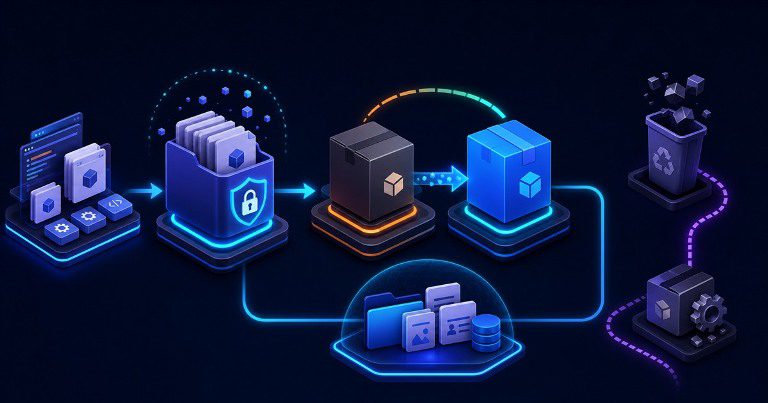
How to Update or Uninstall TinyTask Pro Cleanly Maintenance guide How to Update or Uninstall TinyTask Pro Cleanly…
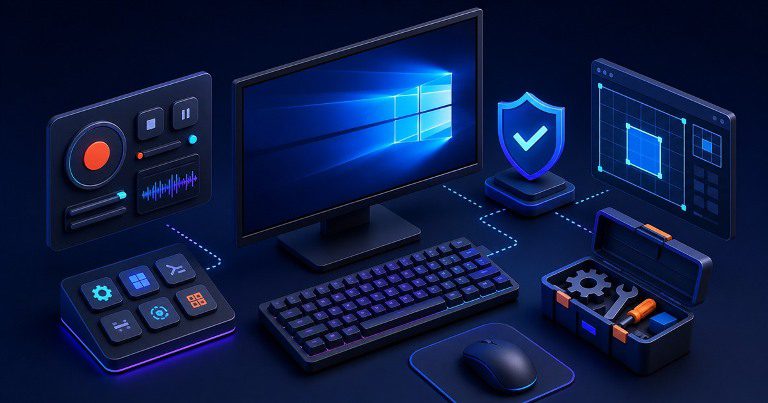
Quick answer: tinytask.org/blog/ currently lists TinyTask Pro for Windows 10 and Windows 11. A reliable setup also needs…
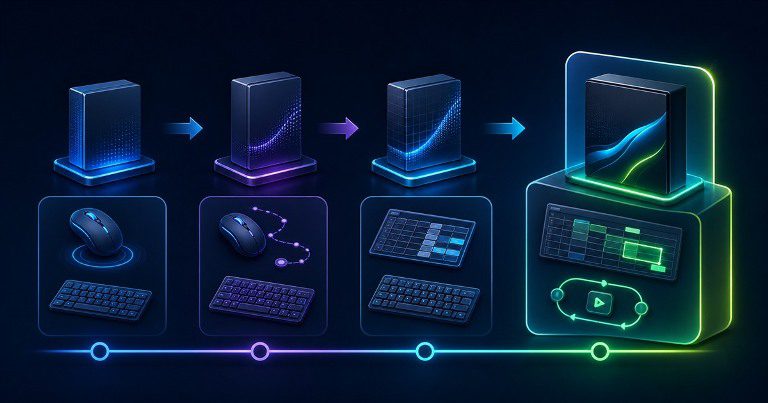
Quick answer: TinyTask Pro 3.0 is the current release listed by tinytask.org/blog/, following Tiny Task V2, TinyTask Pro…
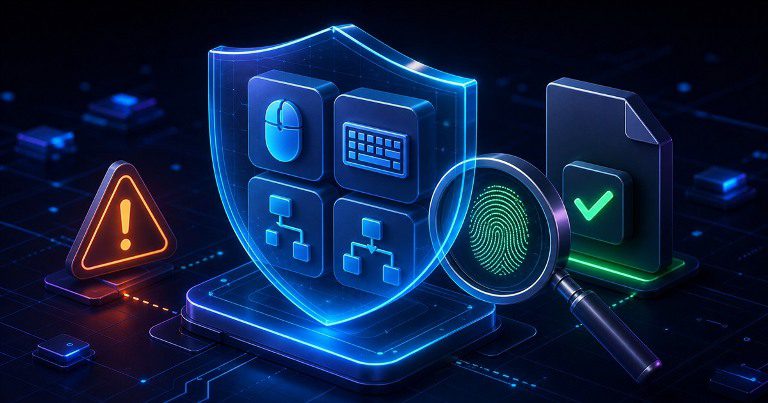
Quick answer: An antivirus alert is evidence to investigate, not evidence that is automatically true or false. Verify…
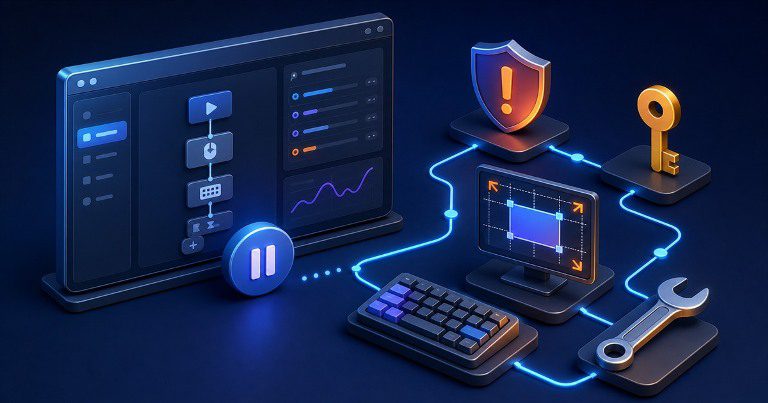
Quick answer: tinytask.org/blog/ lists TinyTask Pro for Windows 10 and Windows 11. On Windows 11, download the current…
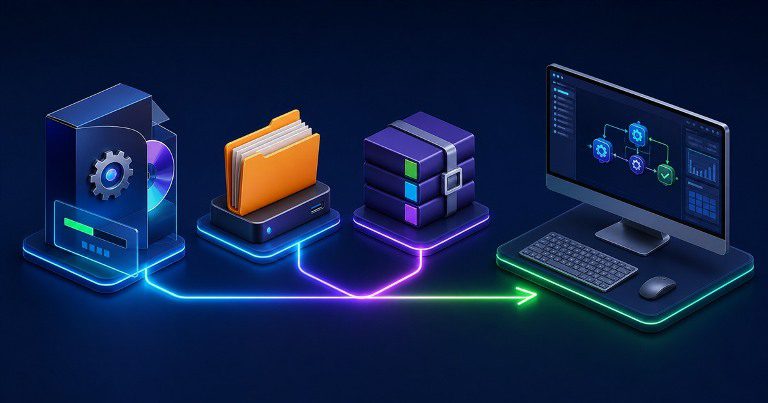
Quick answer: Use the installer for a conventional Windows setup, a portable edition when tinytask.org/blog/ explicitly labels it…

Quick answer: Start every new macro at 1×. Use 0.5× when accuracy or slow application response matters, and…
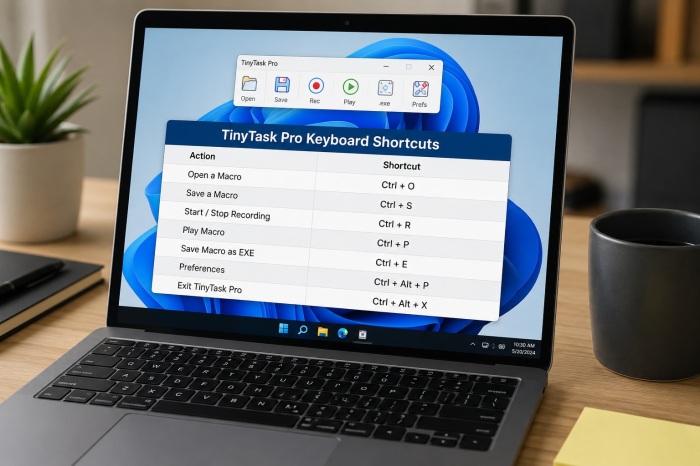
Quick answer: TinyTask Pro 3.0 records common typing, navigation keys and Ctrl combinations used in office workflows. ESC…
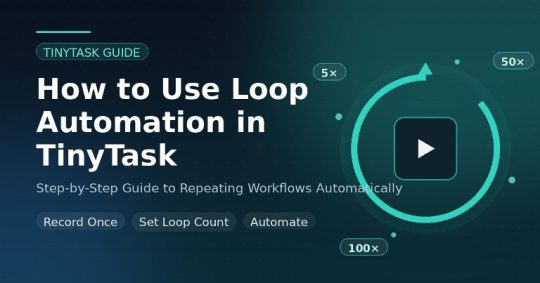
Quick answer: Press F9 to stop playback in the current TinyTask Pro release. If another window captures the…
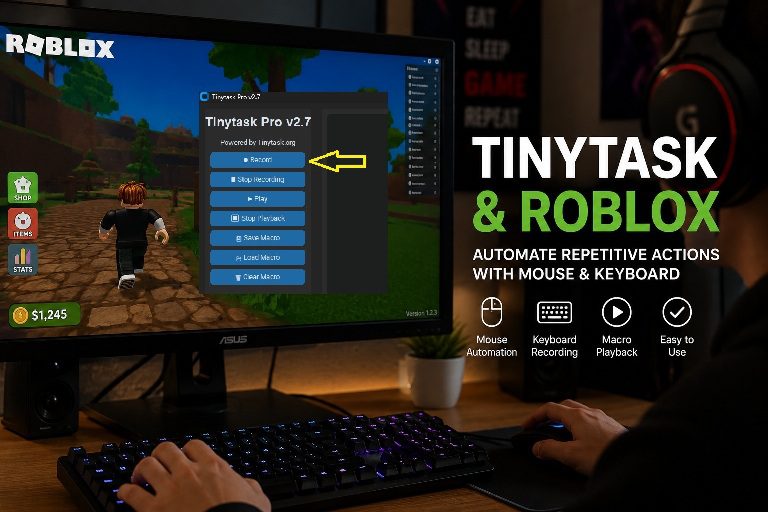
Quick answer: Yes, TinyTask Pro can replay recorded mouse and keyboard input in Roblox on Windows when the…
Quick answer: First identify whether TinyTask Pro will not open, will not record, or records but plays incorrectly….
Quick answer: A macro that always stops at the same step usually has a reproducible trigger: an ESC…

Quick answer: Confirm that you selected a repeat count greater than one or Infinite Loop, then test a…
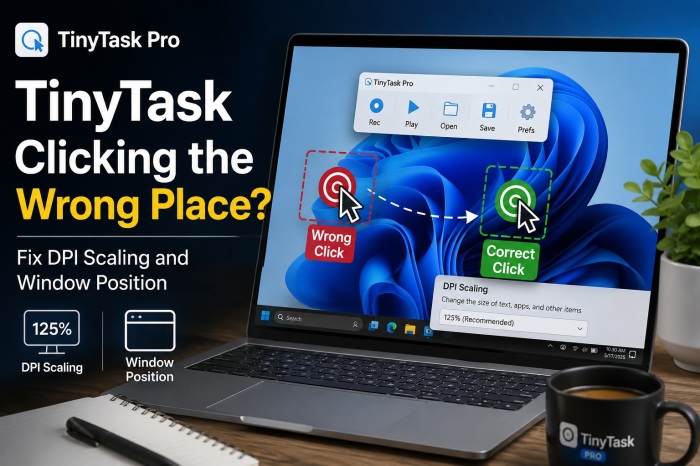
Quick answer: Recorded clicks use screen positions, so playback must reproduce the recording environment. Match Windows scaling, resolution,…